
Run Releases with Clear Gates, Rollout Steps, and Fallback Paths
A practical flowchart template for product, engineering, QA, DevOps, and platform teams managing software launches.
Problem This Template Solves
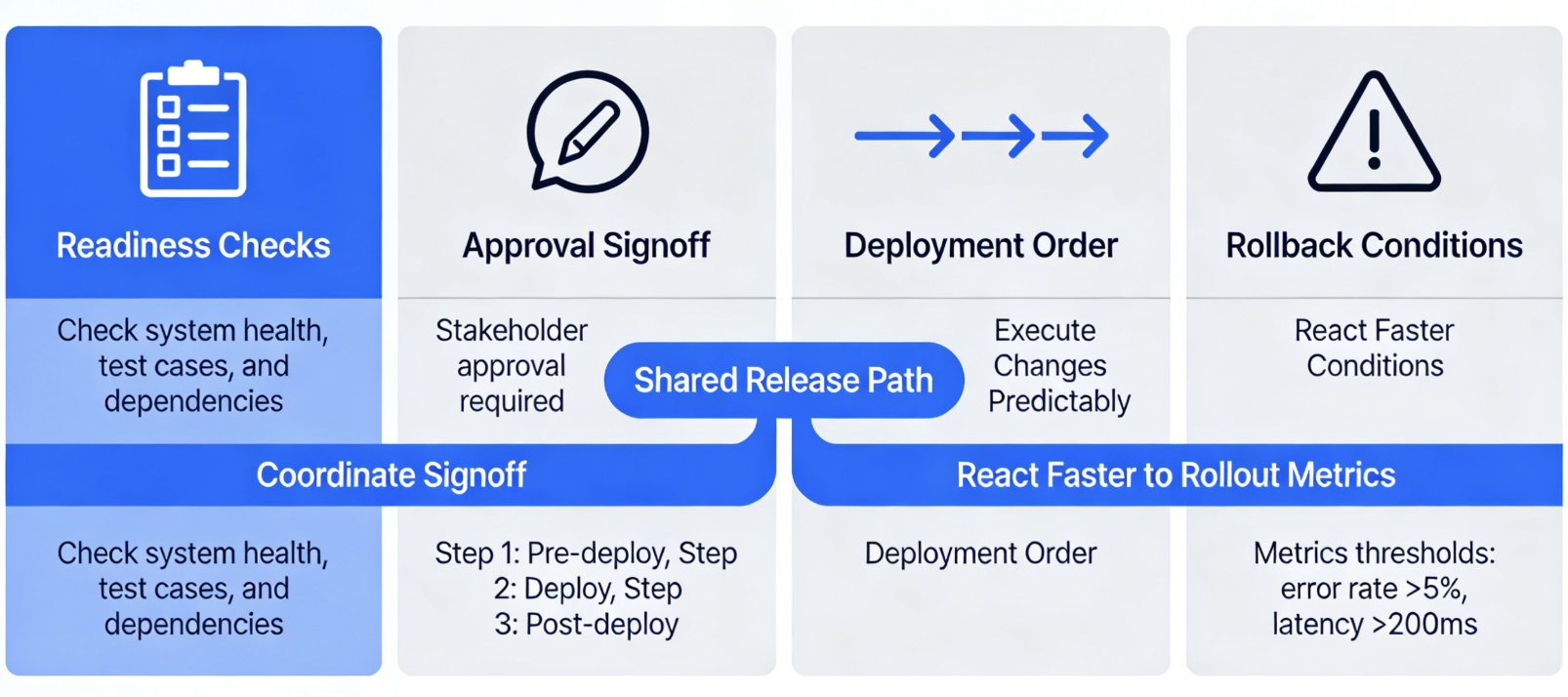
Software launches become risky when readiness checks, approvals, deployment order, and rollback conditions live in separate documents or are handled informally. This template gives teams one shared release path so they can coordinate signoff, execute changes predictably, and react faster when rollout metrics go off track.
How to Use
-
Step 1
Prepare and Validate the Release
Start with the release candidate, scope freeze, QA readiness, staging validation, and open-issue review so teams know whether the launch is truly ready to proceed.
-
Step 2
Route Through Approval and Deployment
Use decision branches for unresolved critical bugs, signoff status, deployment window readiness, and whether the release should move through a staged rollout or stop for more changes.
-
Step 3
Monitor, Roll Back, or Close
Show production validation, metric checks, rollback or hotfix actions, and final release closure notes so the full launch lifecycle is represented in one diagram.
Prompt to Generate
Create a release management flowchart with nodes: Release Candidate Prepared, Scope Frozen, QA Complete, Staging Validation Passed, Critical Bugs Remaining, Product Signoff, Engineering Signoff, Deployment Window Ready, Production Deploy, Gradual Rollout, Metrics Healthy, Rollback Initiated, Hotfix Required, Release Closed. Use decision diamonds for scope frozen or not, QA passed or not, critical issues remaining, approval complete, window ready, and whether production metrics are healthy.
FAQ
Who should use this release management template?
It is designed for product managers, engineering leads, QA teams, DevOps engineers, and release managers coordinating software launches across multiple teams.
Can I adapt it for mobile, web, or internal platform releases?
Yes. Keep the readiness, approval, deployment, validation, and rollback structure, then adjust the branch logic for app store review, staged rollout rules, or internal change windows.
Related Templates
Build Your Own Version in Minutes
Start with this template and customize every node in the AI editor.
Open in Editor