
Run Operational Changes with Clear Review and Rollback Paths
A practical flowchart template for IT operations, DevOps, platform, and internal systems teams managing production changes.
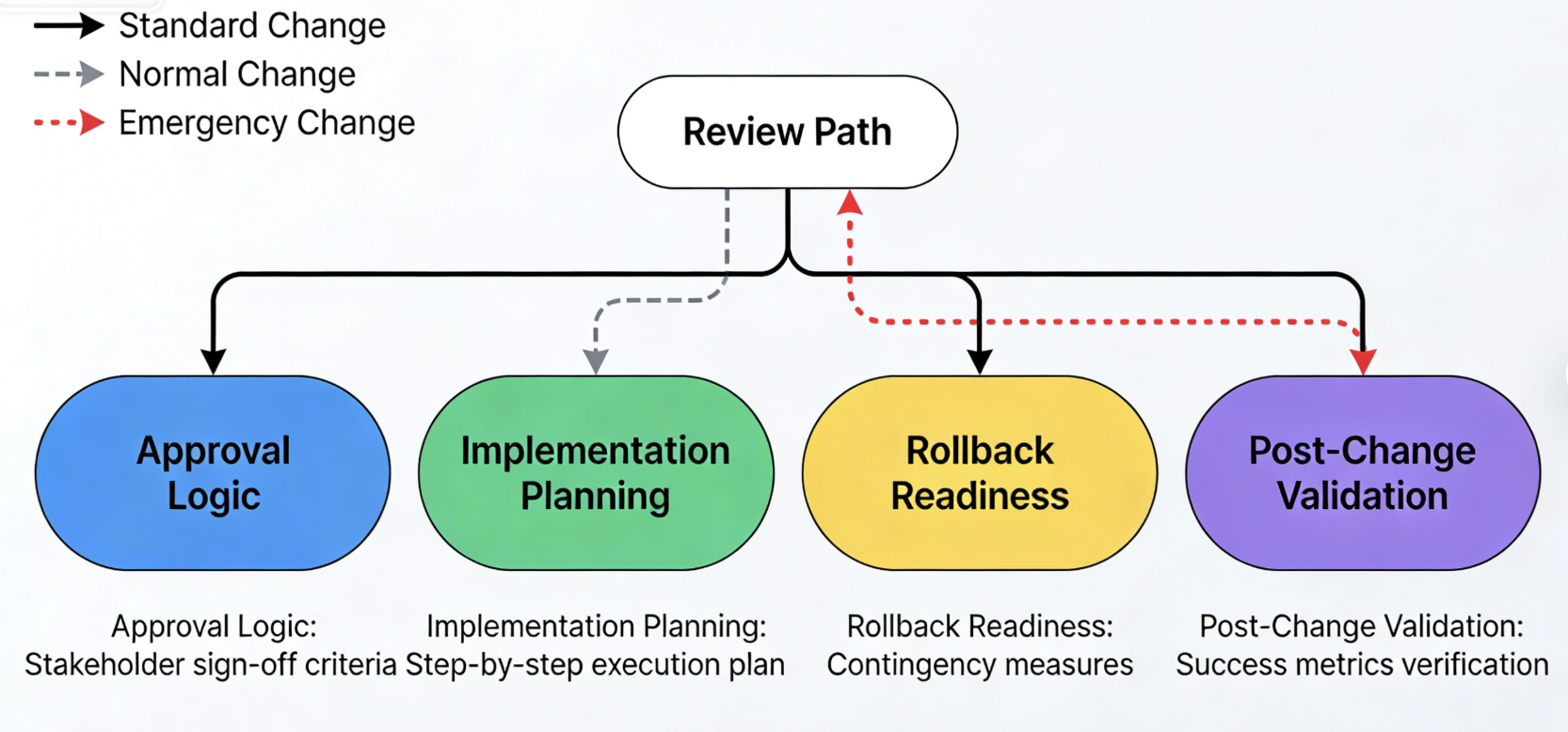
Problem This Template Solves
Operational changes become risky when teams treat approval logic, implementation planning, rollback readiness, and post-change validation as separate conversations. This template gives everyone a shared flow so standard, normal, and emergency changes can move through the right review path with less ambiguity and better safeguards.
How to Use
-
Step 1
Capture the Change Request
Start with the requested change, affected systems, implementation window, business impact, and owner so incomplete requests can be sent back before they create downstream confusion.
-
Step 2
Assess Risk and Route Approval
Use decision branches for standard versus normal versus emergency change types, production impact, rollback readiness, and whether security or leadership review is required.
-
Step 3
Implement, Validate, and Close
Show execution, stakeholder communication, service validation, rollback or incident escalation, and final closure notes so the chart covers the full operational lifecycle.
Prompt to Generate
Create a change management flowchart with nodes: Change Requested, Enough Detail Provided, Risk Assessment, Standard Change, Normal Change, Emergency Change, Approval Needed, Rollback Plan Ready, Maintenance Window Scheduled, Stakeholders Notified, Change Implemented, Validation Check, Rollback Initiated, Incident Escalation, Change Closed. Use decision diamonds for completeness, change type, production risk, rollback readiness, and whether validation passed.
FAQ
Who should use this change management template?
It is designed for IT operations, DevOps, platform engineering, security, and internal systems teams that need a clear review and execution path for operational changes.
Can I adapt it for software release management?
Yes. Keep the intake, risk assessment, approval, implementation, validation, and rollback structure, then tailor the branch logic for release freezes, deployment windows, and release signoff.
Related Templates
Build Your Own Version in Minutes
Start with this template and customize every node in the AI editor.
Open in Editor