
Standardize Request Reviews with a Project Intake Flowchart
A practical template for teams using an AI flow chart creator to turn messy project requests into a consistent triage and approval workflow.
Problem This Template Solves
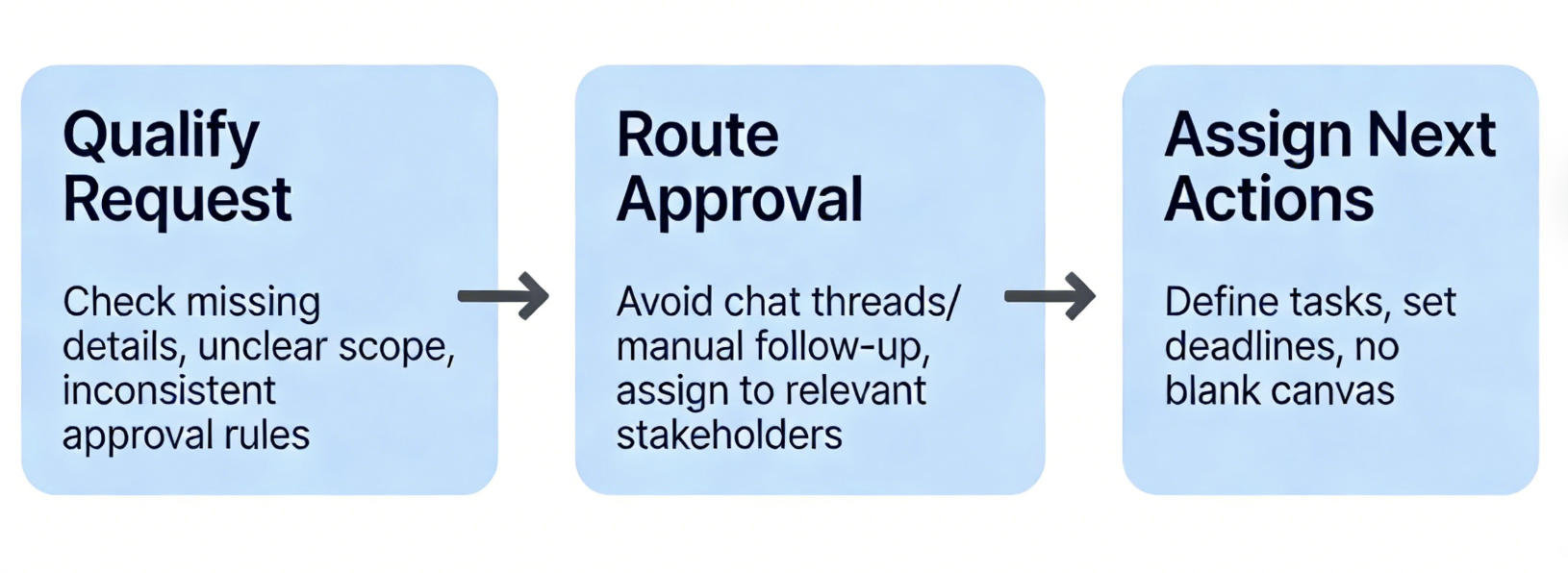
Project requests often arrive with missing details, unclear scope, and inconsistent approval rules. Teams end up relying on chat threads or manual follow-up to decide what happens next. This template gives you a repeatable structure for qualifying requests, routing approvals, and assigning next actions without starting from a blank canvas.
How to Use
-
Step 1
Capture the Request Entry Point
Start with where requests come from, what information is required, and which requests are incomplete before the intake review can begin.
-
Step 2
Add Triage and Approval Decisions
Map the review owner, priority checks, scope decisions, and approval steps so the process clearly shows which requests move forward, get deferred, or are rejected.
-
Step 3
Define the Next-Step Handoff
Show how approved work moves into planning or execution, who owns follow-up, and how stakeholders are notified once the intake decision is made.
Prompt to Generate
Create a project intake flowchart with nodes: Request Submitted, Required Details Check, Intake Triage, Scope Fit Review, Priority Assigned, Approval Needed, Approved for Planning, Deferred to Backlog, Rejected Request, Stakeholder Follow-up. Use decision diamonds for whether the request is complete, whether it fits current scope, whether leadership approval is needed, and whether the request should move forward now.
FAQ
Who should use this project intake flowchart template?
It works well for operations, product, engineering, marketing, and internal services teams that need a repeatable way to review new requests before work begins.
Can I adapt this template in an AI flow chart creator for different intake processes?
Yes. Keep the structure for request submission, qualification, approval, and follow-up, then rename the nodes to match software, operations, support, or internal project intake workflows.
Related Templates
Build Your Own Version in Minutes
Start with this template and customize every node in the AI editor.
Open in Editor