
Design a Clear Support Escalation Path
A practical flowchart template for support leaders, ops managers, and CX teams handling complex cases.
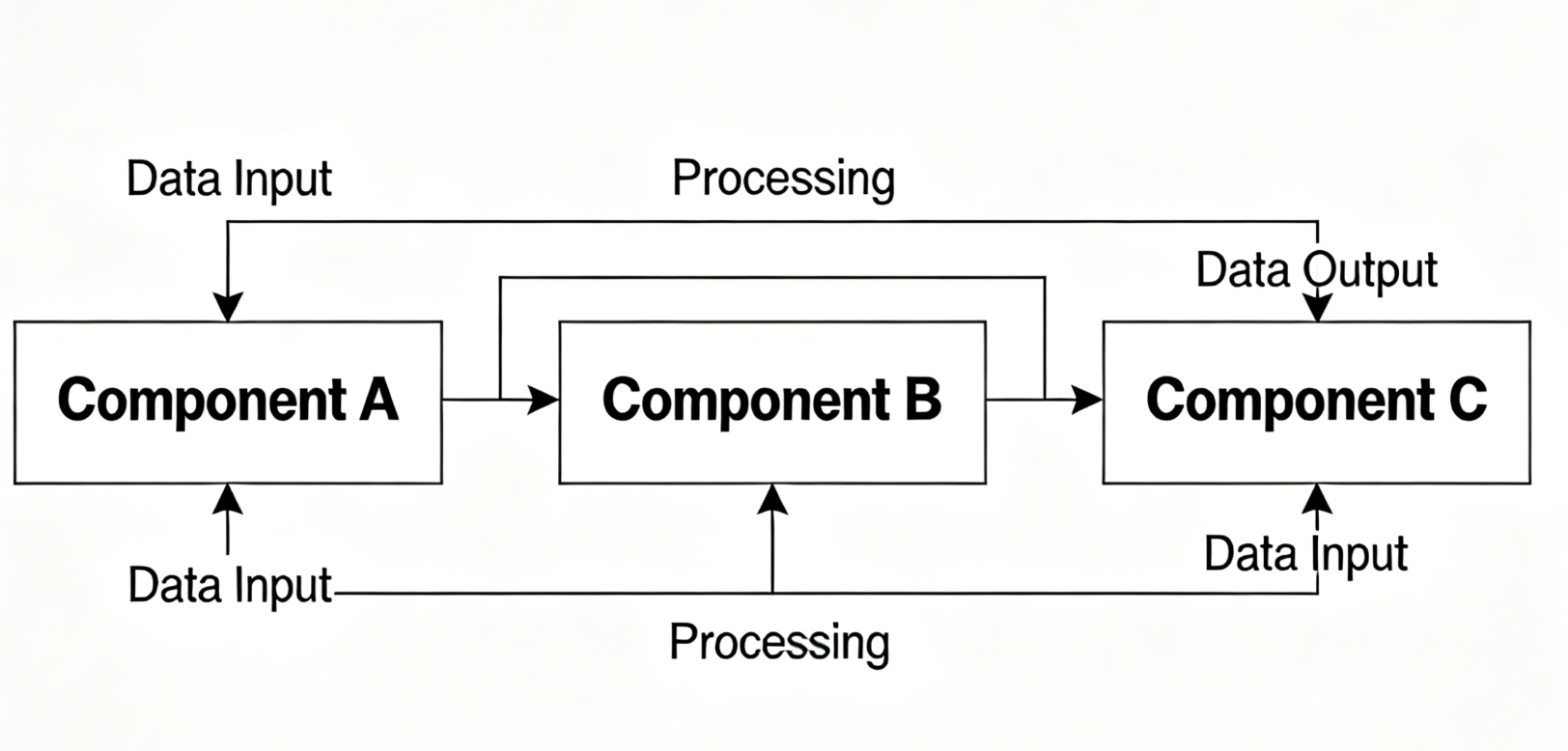
Problem This Template Solves
Support teams lose time when severity rules, ownership, and engineering handoffs are inconsistent. This template gives everyone a shared escalation map so frontline agents, specialists, and incident responders know when to route, update, and resolve customer issues.
How to Use
-
Step 1
Intake and Triage
Capture the request source, affected account, and issue category before assigning severity and SLA targets.
-
Step 2
Escalate by Priority
Branch by severity and business impact to route cases to billing, product specialists, or engineering responders.
-
Step 3
Resolve and Close the Loop
Track customer updates, resolution validation, and follow-up actions before closing the case.
Prompt to Generate
Create a customer support escalation flowchart with nodes: Ticket Received, Issue Category Check, Severity Assessment, Standard Queue, Specialist Queue, Engineering Escalation, Customer Update Sent, Fix Confirmed, Follow-Up Needed, Ticket Closed. Use decision diamonds for severity, SLA breach risk, and whether engineering action is required.
FAQ
Who should use this escalation template?
It is useful for support managers, customer operations teams, technical support leads, and anyone designing handoff rules across queues.
Can I adapt this for B2B and enterprise support?
Yes. Add account tier, contractual SLA, and incident-communication branches to reflect enterprise workflows and named-account ownership.
Related Templates
Build Your Own Version in Minutes
Start with this template and customize every node in the AI editor.
Open in Editor