
Turn Text Prompts into a Structured Flowchart Draft
A practical template for teams using an AI flowchart generator from text to map SOPs, approvals, onboarding, and process logic.
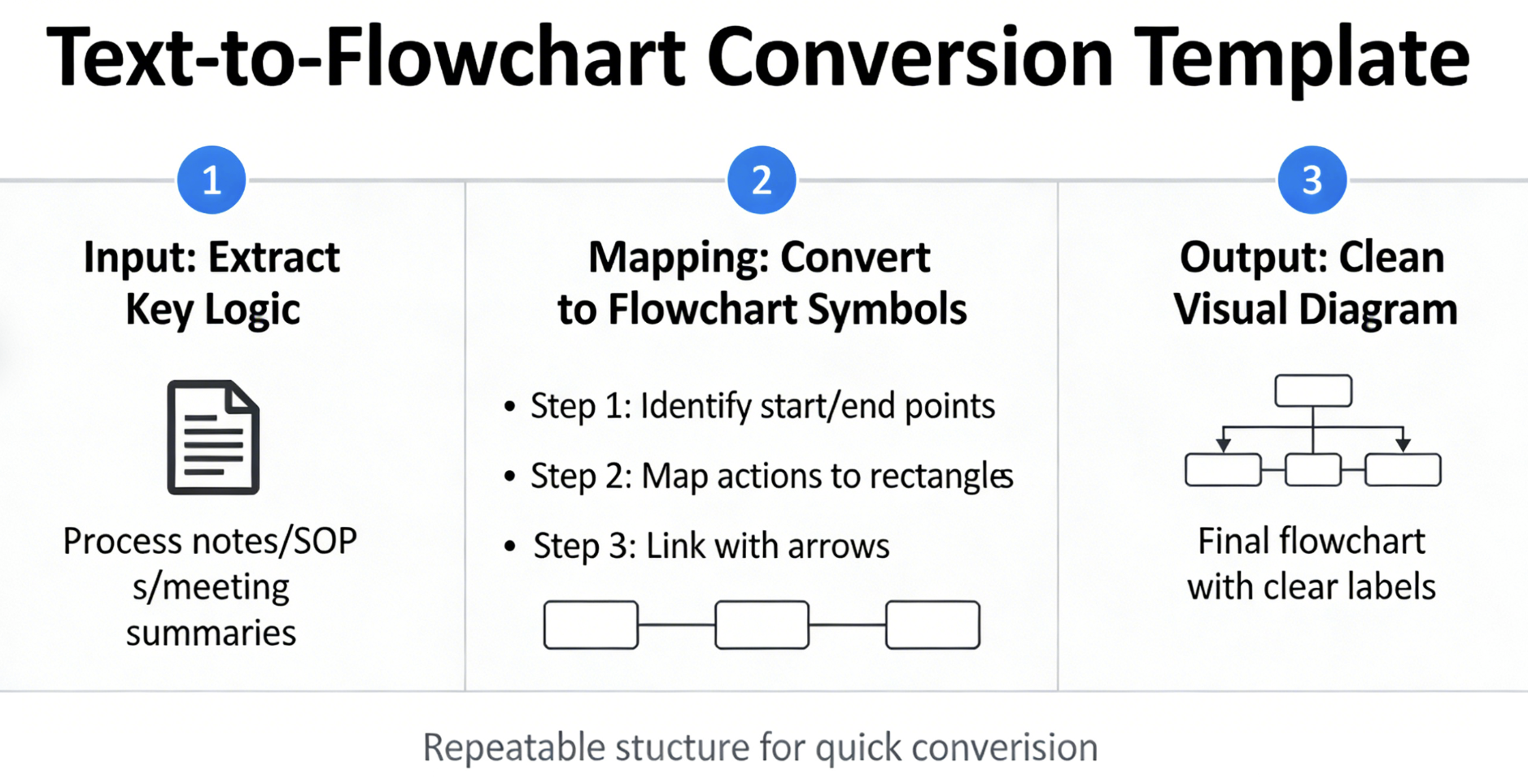
Problem This Template Solves
Teams often know the workflow but do not have the time to draw it from scratch. Process notes, SOP documents, and meeting summaries contain the logic, but turning them into a clean visual diagram still takes effort. This template gives teams a repeatable structure for converting text into a usable flowchart faster.
How to Use
-
Step 1
Start with the Written Process
Collect the text prompt, SOP steps, or workflow notes and define the main start point, sequence, decision nodes, and final outcome before generating the first draft.
-
Step 2
Generate and Organize the Branches
Use the template to map actions, yes or no decisions, fallback paths, and ownership handoffs so the flowchart generator can produce a clearer structure from the text input.
-
Step 3
Review and Refine the Output
Check the generated flow for missing branches, overly long node labels, and incorrect sequencing, then adjust the prompt or diagram until it matches the real workflow.
Prompt to Generate
Create a flowchart from text for a business workflow with nodes: Process Start, Step 1, Step 2, Decision Check, Revision Needed, Approval Path, Final Action, Process Complete. Use decision diamonds for missing information, approval needed, and whether the workflow should loop back for revision.
FAQ
Who should use this text to flowchart template?
It is useful for product, operations, finance, support, and engineering teams that already have written process notes and want to turn them into editable flowcharts quickly.
Can I use it with an AI flowchart generator from text prompts?
Yes. The template is designed to help structure prompts for an AI flowchart generator so the resulting diagram is clearer, faster to review, and easier to edit.
Related Templates
Build Your Own Version in Minutes
Start with this template and customize every node in the AI editor.
Open in Editor