
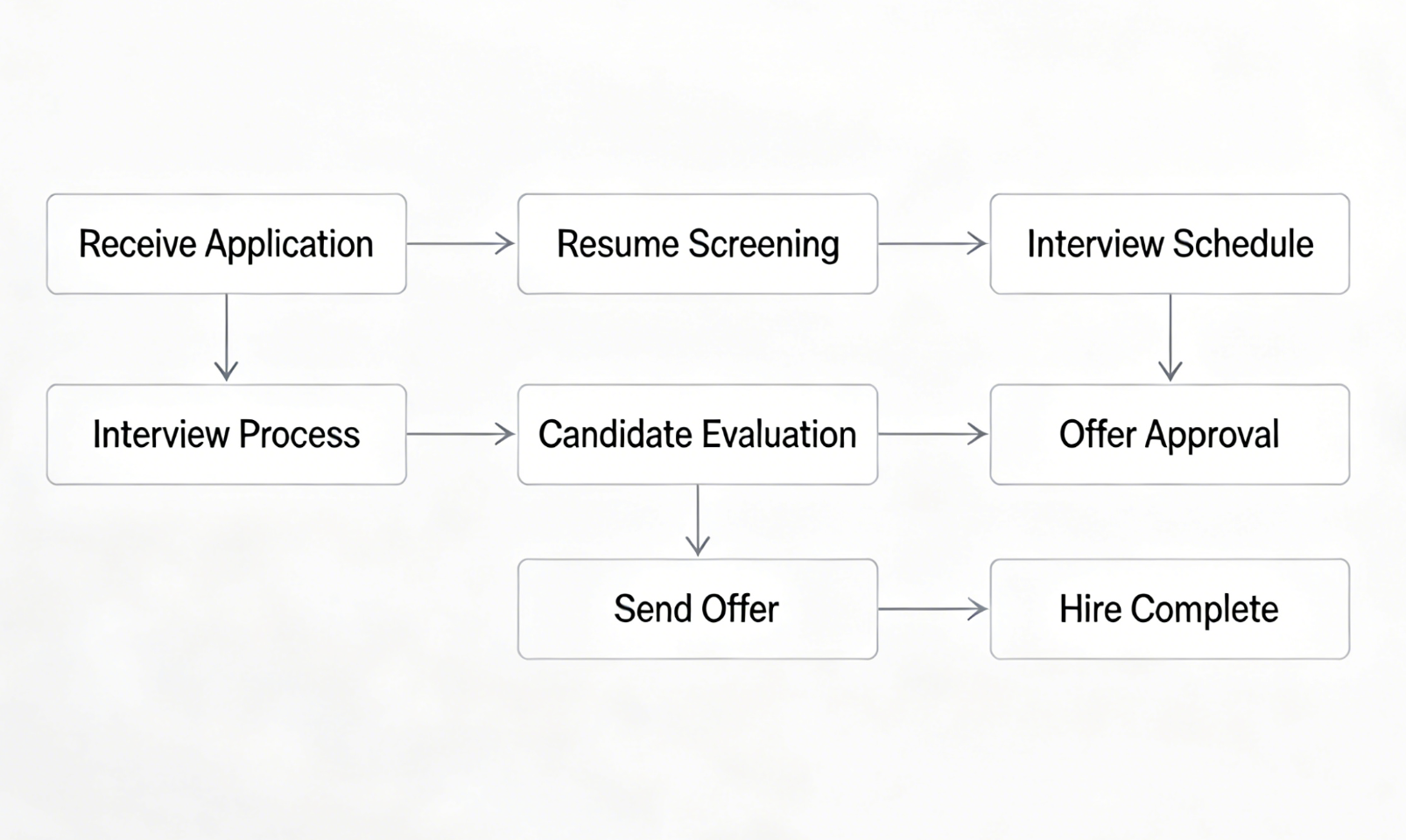
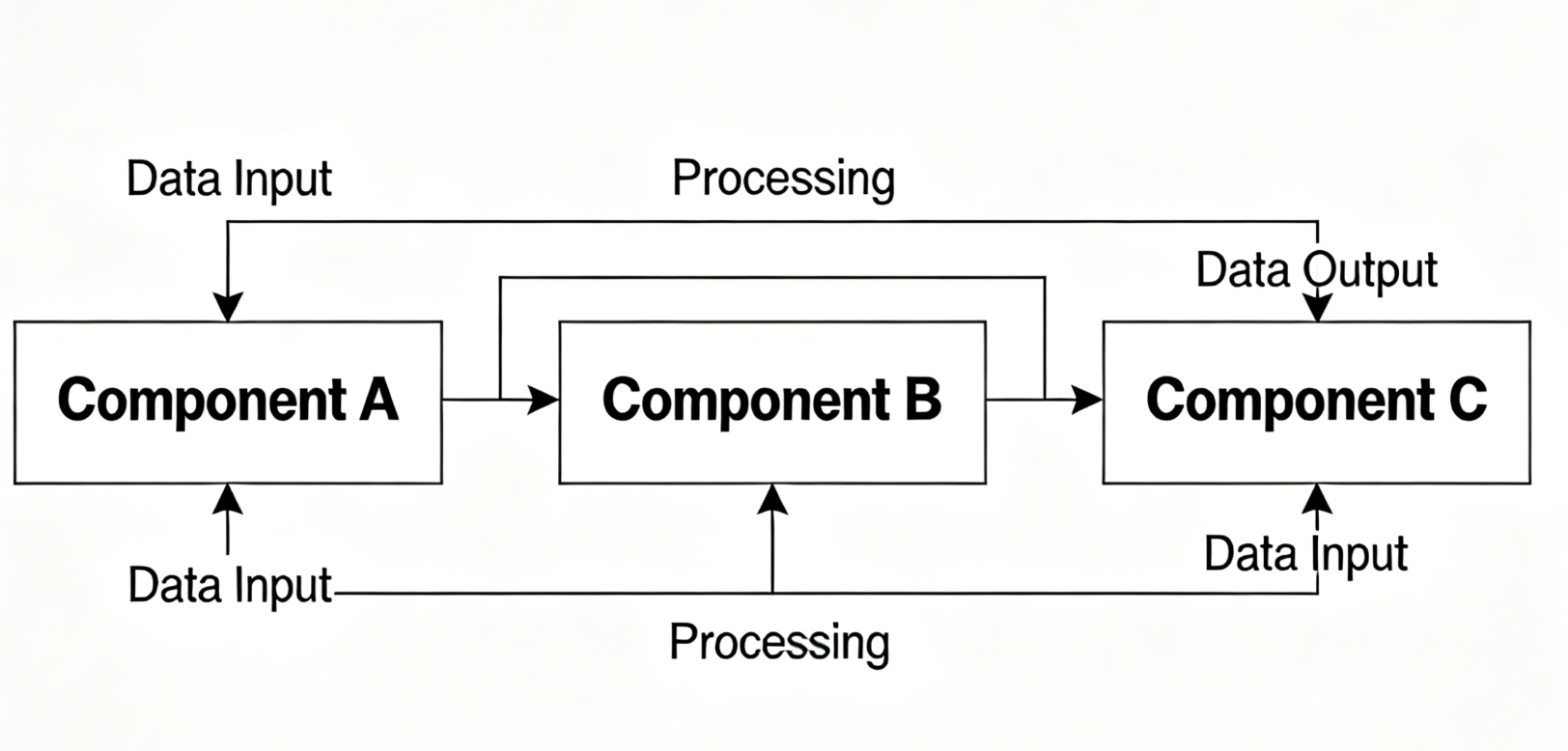
"The text-to-flowchart feature is a game changer. I used to spend hours in Visio, now I just type what I need and it's done in seconds."

Sarah Jenkins
Product Manager at TechCorp
Use an AI flowchart maker and draw.io-style editor to generate workflow diagrams, process maps, and SOP flowcharts online in minutes.
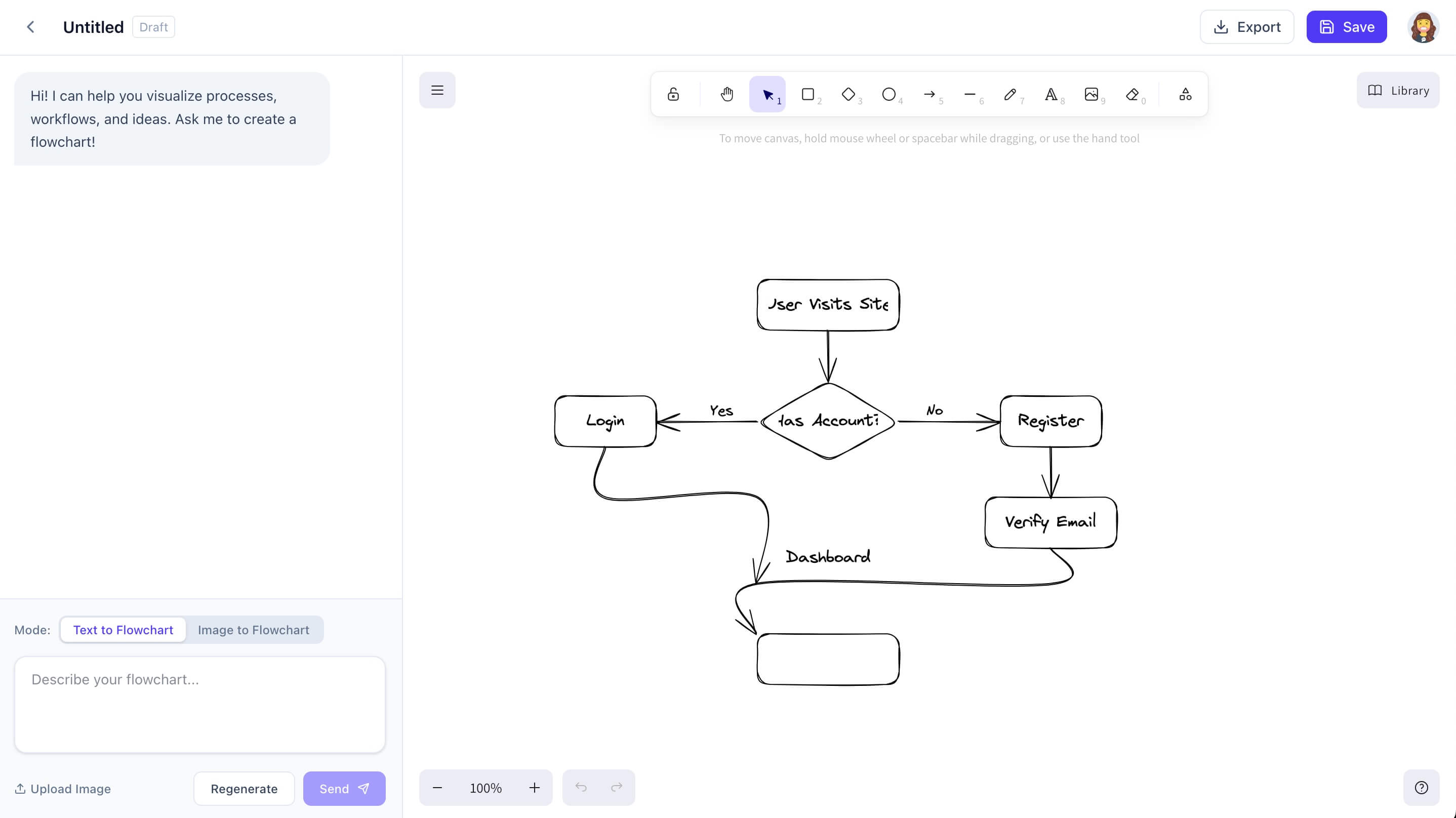
Three Powerful Ways to Create
Choose the method that fits your workflow. From text to image, we cover it all.
Simply describe your process in plain text, and our AI will generate a professional flowchart instantly. Ideal for quick documentation and brainstorming.
Try Text to FlowchartUpload a photo of your whiteboard sketch or a screenshot of an existing diagram. AI converts it into an editable format in seconds.
Convert Image NowNot sure where to start? Pick from our library of flowchart maker templates for onboarding, approvals, release workflows, and operations.
Browse TemplatesOutline your steps in plain text and let the AI map the nodes for you.
Upload any whiteboard photo or diagram and AI rebuilds it as an editable flowchart.
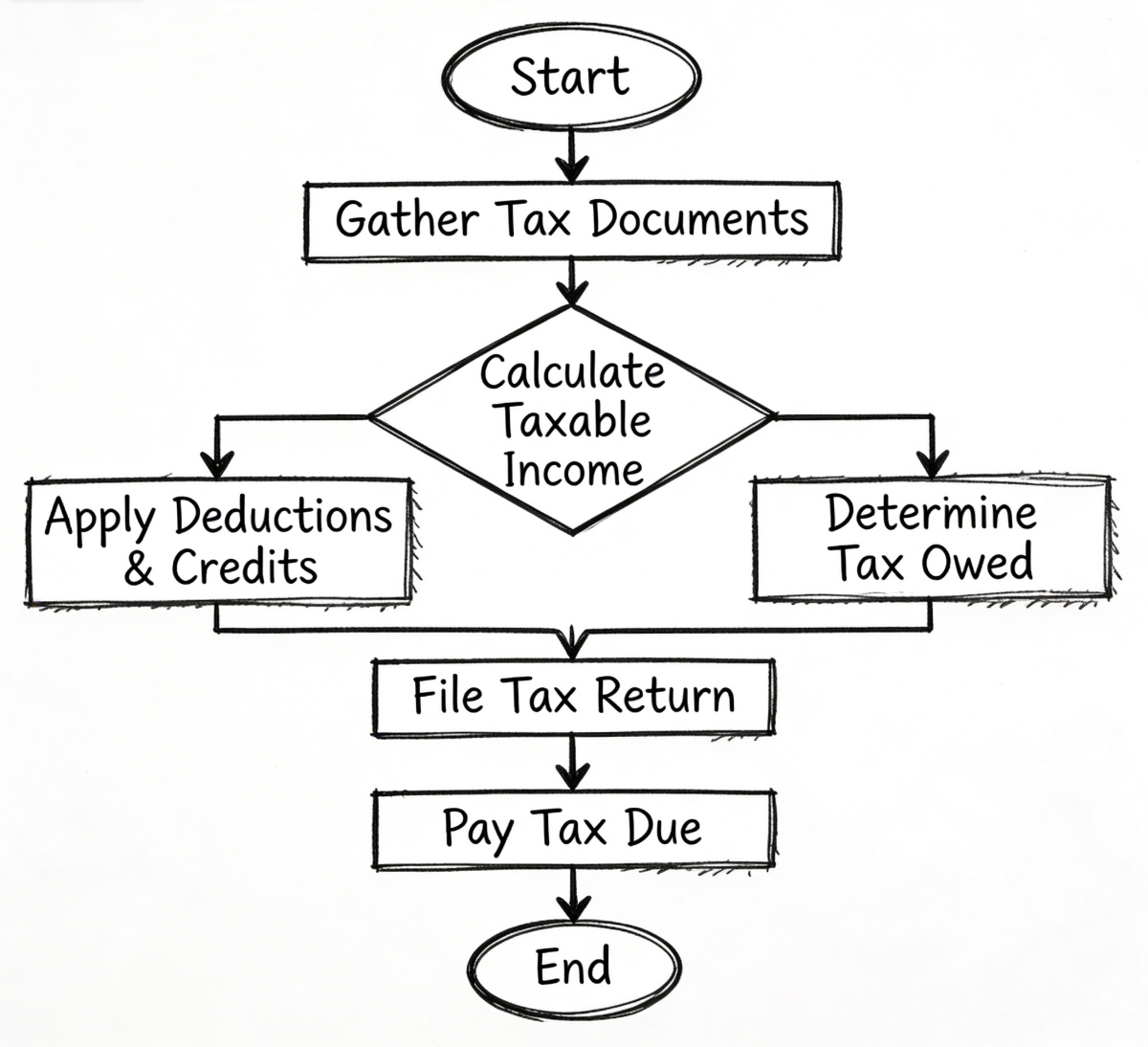
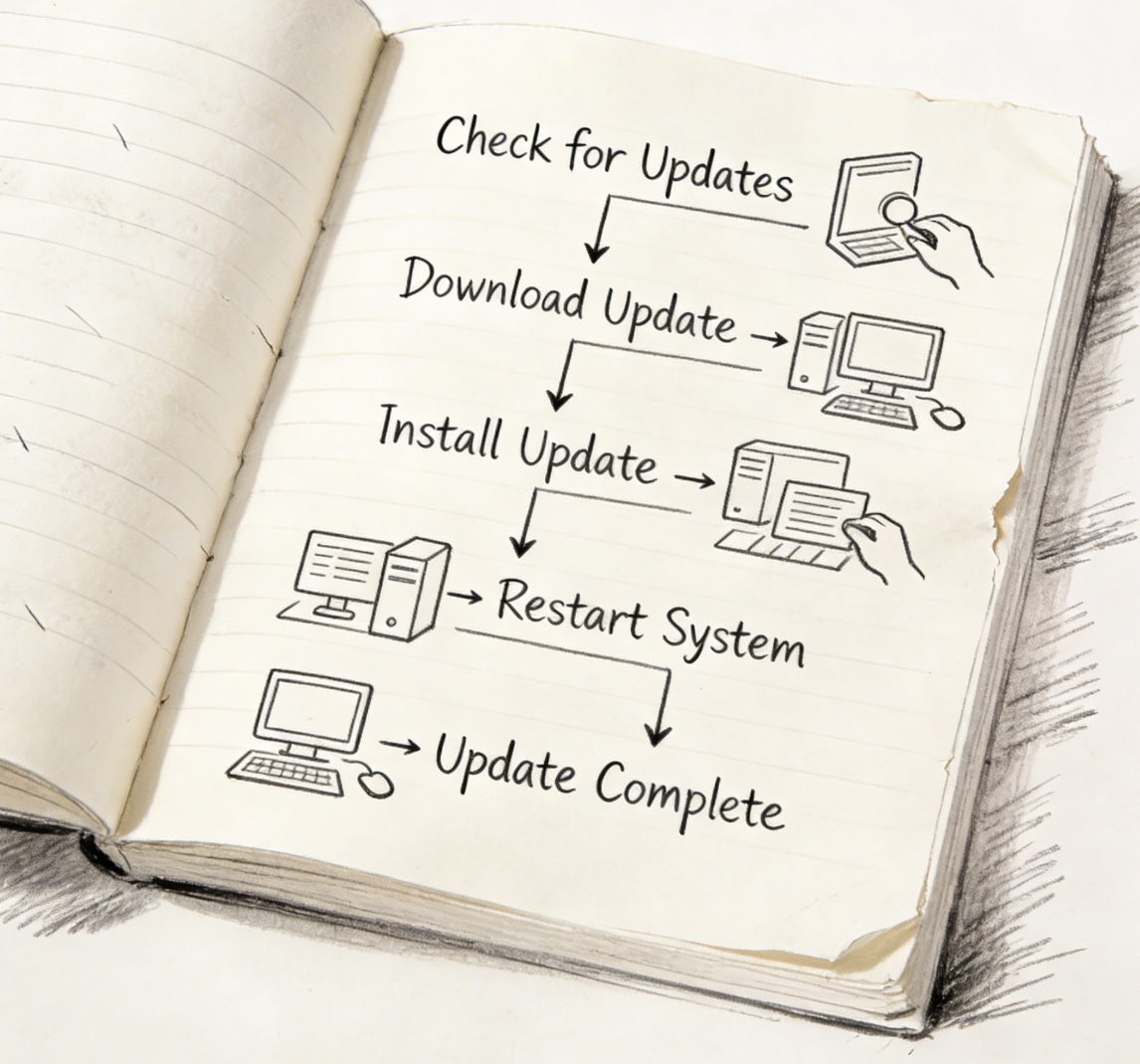
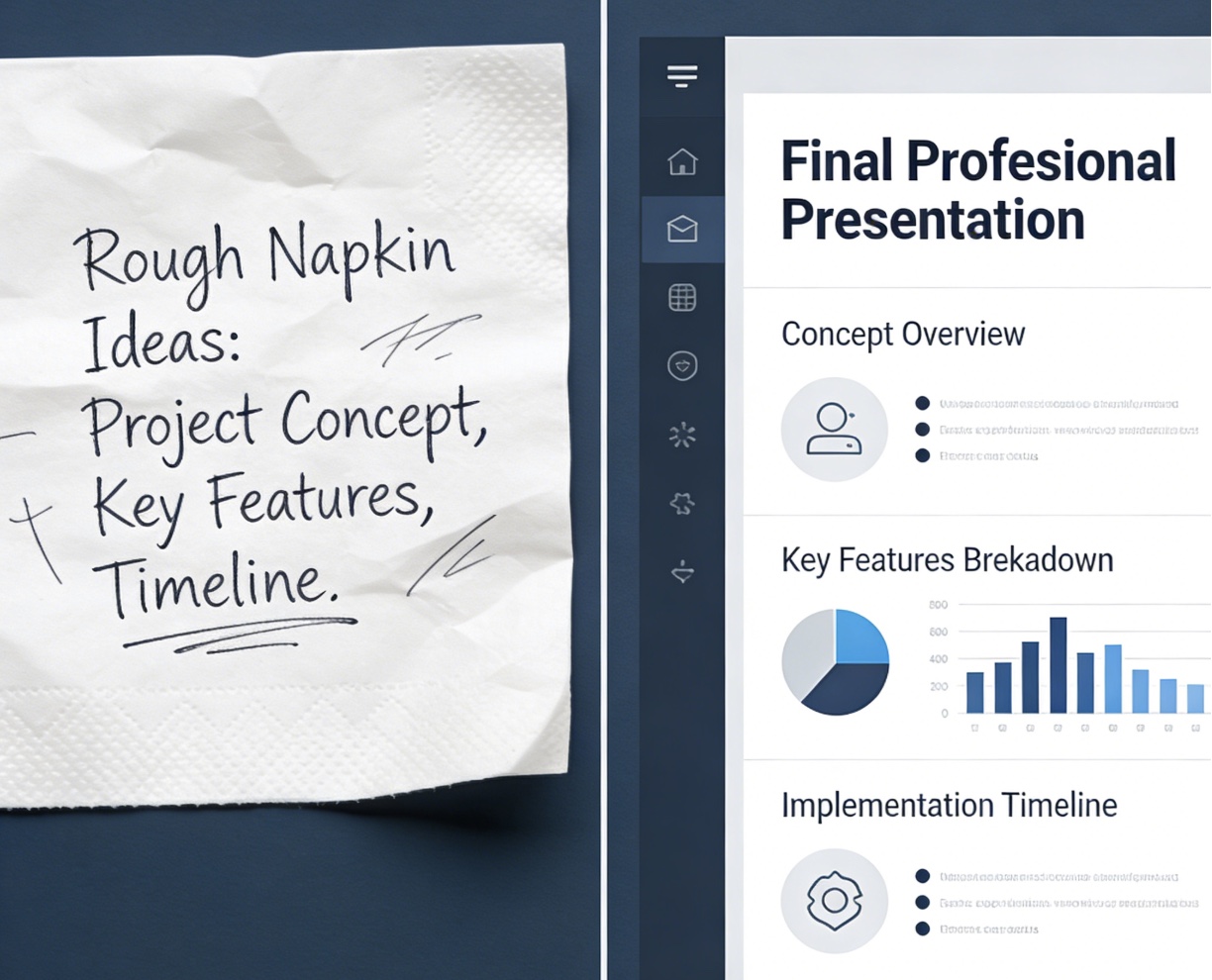
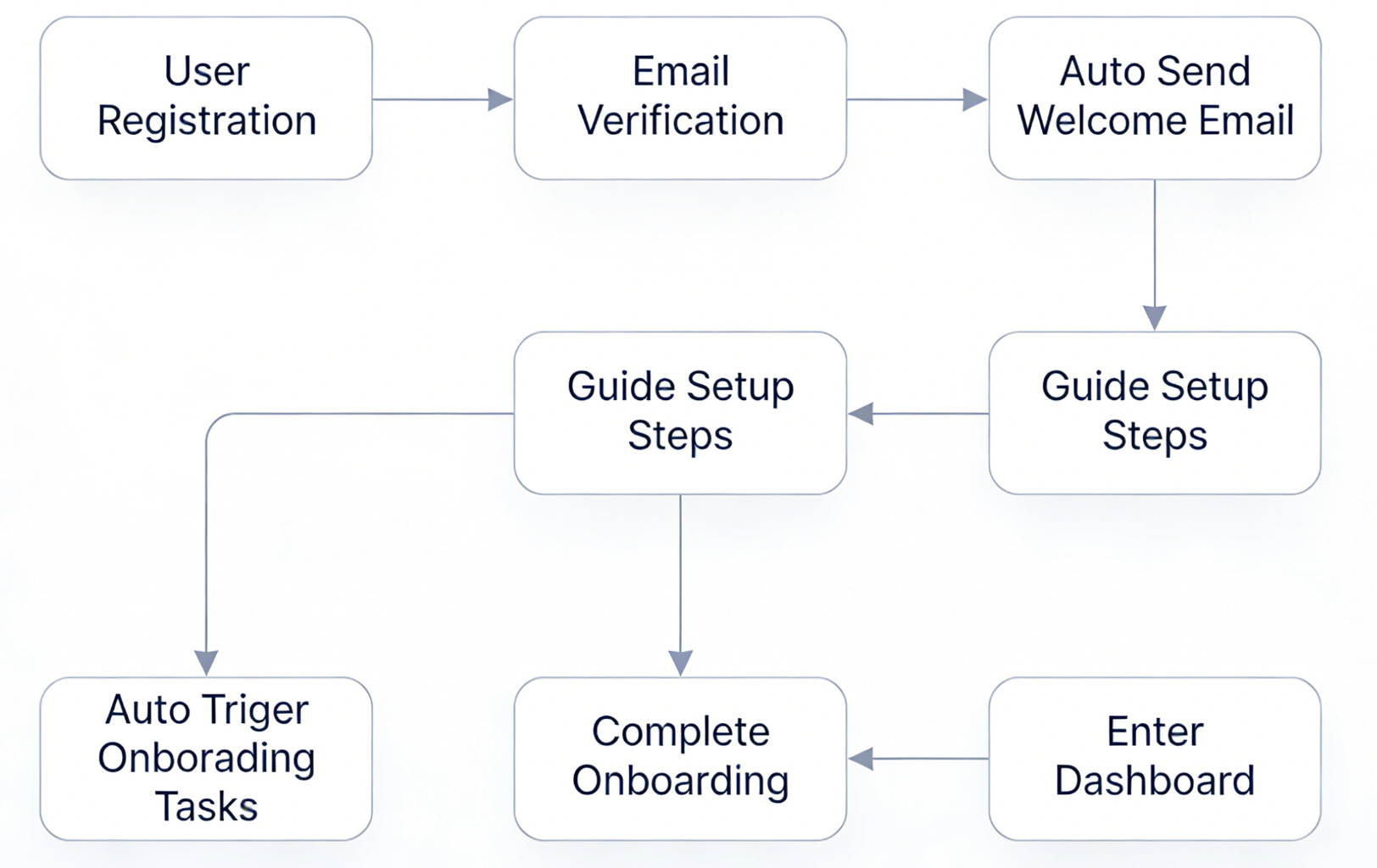
Flowchart Examples
See what you can build.
Loved by Thousands
See what our users are saying about AI Flowchart.
"The text-to-flowchart feature is a game changer. I used to spend hours in Visio, now I just type what I need and it's done in seconds."
"I love snapping photos of our whiteboard sessions and instantly converting them into editable diagrams. It saves us so much time."

"The templates are beautiful and the AI understands complex logic surprisingly well. Highly recommended for any BA."

Simple, transparent pricing.
Perfect for trying the product: 5 credits/day (about 1 flowchart).
Great for regular creators: 150 credits/month for consistent flowchart generation.
For heavy usage and teams: 600 credits/month with priority processing.
AI Flowchart Maker
Search Console already shows demand around ai flowchart maker, flowchart maker ai, ai flowchart generator, and draw.io alternatives. This section clarifies what problems the product solves after pricing and before users commit.
Describe a process, SOP, or system in natural language and generate a structured flowchart draft instantly.
Upload a screenshot, whiteboard photo, or sketch and convert it into an editable diagram you can refine.
Start faster with templates for onboarding, approvals, incident response, change management, and release workflows.
FAQ
These answers help match broad search intent and make it easier for visitors to decide whether this flowchart maker fits their workflow.
An AI flowchart maker turns text prompts, SOP steps, or images into editable workflow diagrams. Instead of placing every node by hand, you start with a description and refine the generated chart.
Yes. The product supports a free entry plan, which is enough to test text-to-flowchart and image-to-flowchart generation before deciding whether you need more usage.
Common use cases include onboarding flows, approval workflows, SOP diagrams, bug triage, incident response, release management, and customer support escalation paths.
Yes. If you are used to draw.io, you can keep a similar editing workflow here while adding AI generation from text and images. You can also export as .drawio for continued editing.
Not at all. Product, operations, finance, customer success, and engineering teams can all use the same flowchart maker for different workflow documentation and process mapping needs.
Because the site is already receiving impressions for broad, high-intent queries. FAQ content helps the homepage answer those questions directly and makes the landing page stronger for both users and search engines.
Join professionals creating flowcharts faster with AI.
